After more than 13 years, and tens of thousands of questions, Moz Q&A closed on 12th December 2024. Whilst we’re not completely removing the content - many posts will still be possible to view - we have locked both new posts and new replies. More details here.
Google Search Console not loading some resources
-
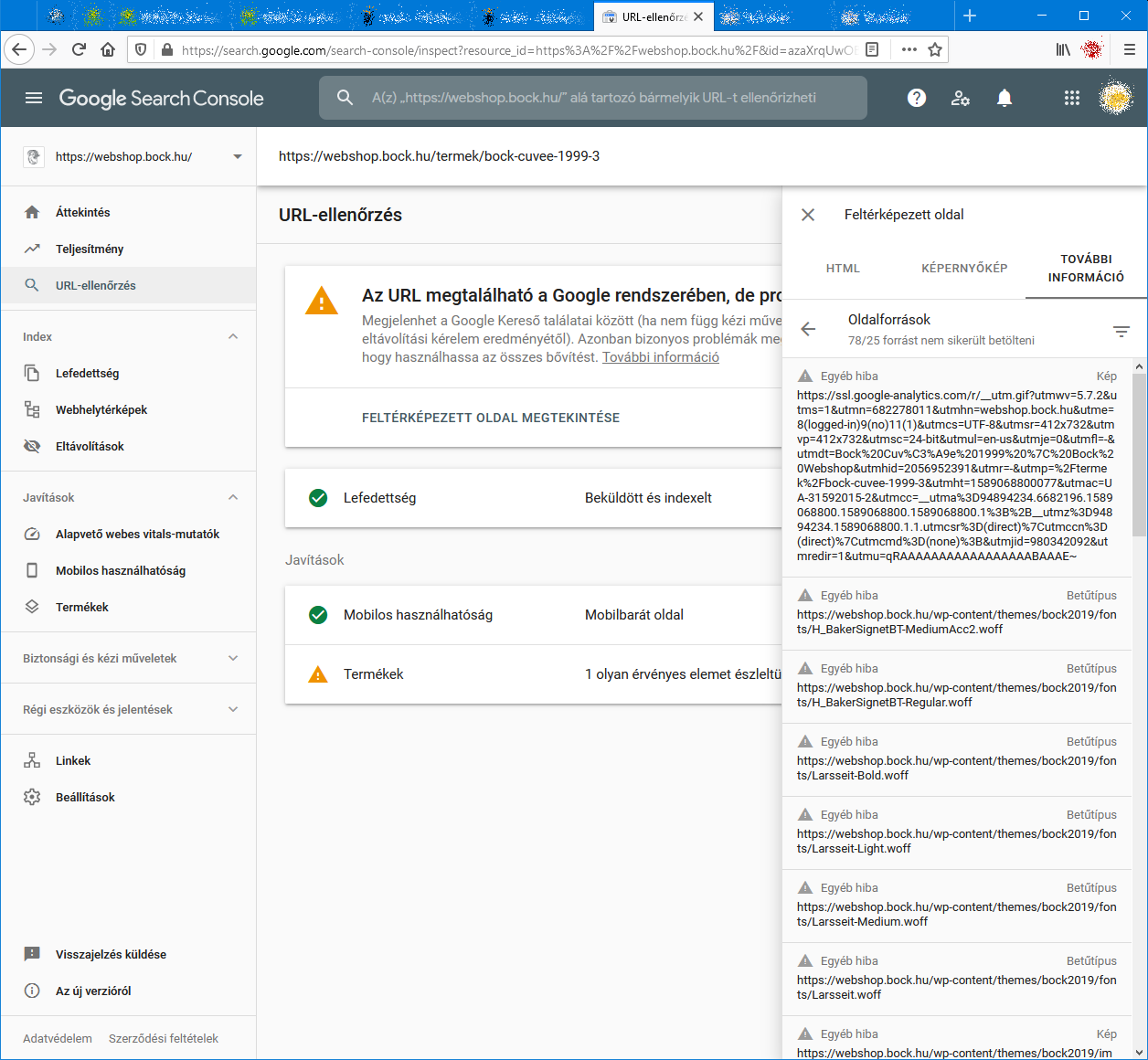
When I check an URL with Search Console it cannot load some page resources, even from other domains (like: ssl.google-analytics.com, www.facebook.com and www.google-analytics.com).
Have any of you experienced this issue?
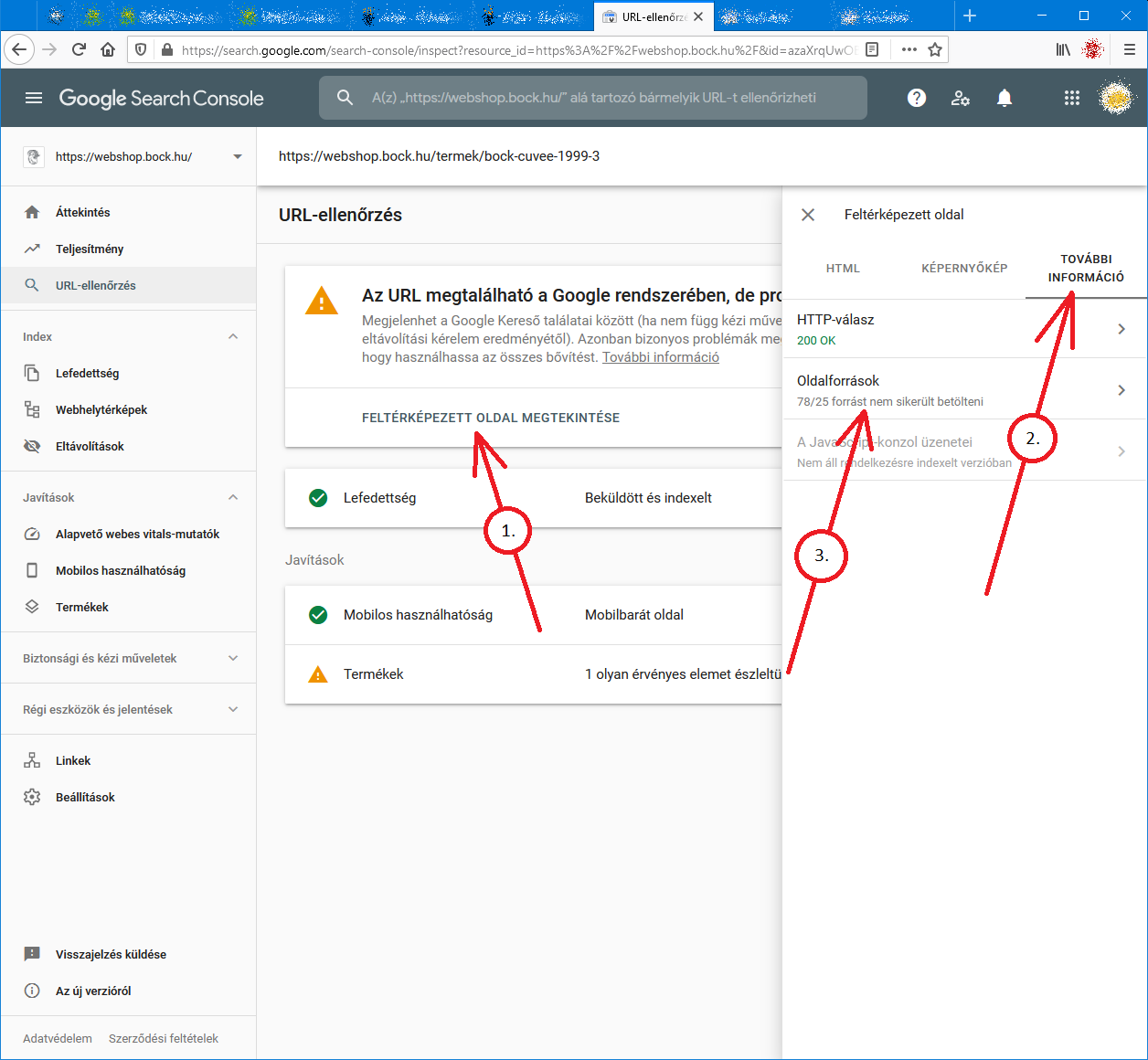
Steps to reproduce:- open Google Search Console
- check an URL
- click "View crawled page" link
- select "More info" tab
- click "Page resources" {?}/{?} couldn't be loaded
When I check the listed resources, all of them can be loaded from a web browser.
So I do not understand why Google cannot load them.
And there is no additional info why the resources could not be loaded.
Any ideas?google-search-console-other-error-1.png google-search-console-other-error-2.png
-
I am facing issue for my https://jobdekho247.com site, web stories are not loading in search console, Refused to load the stylesheet. How can i fix it?
Currently I am using premium version of GeneratePress theme.
-
Google Search Console Pages Not Loading properly since a week
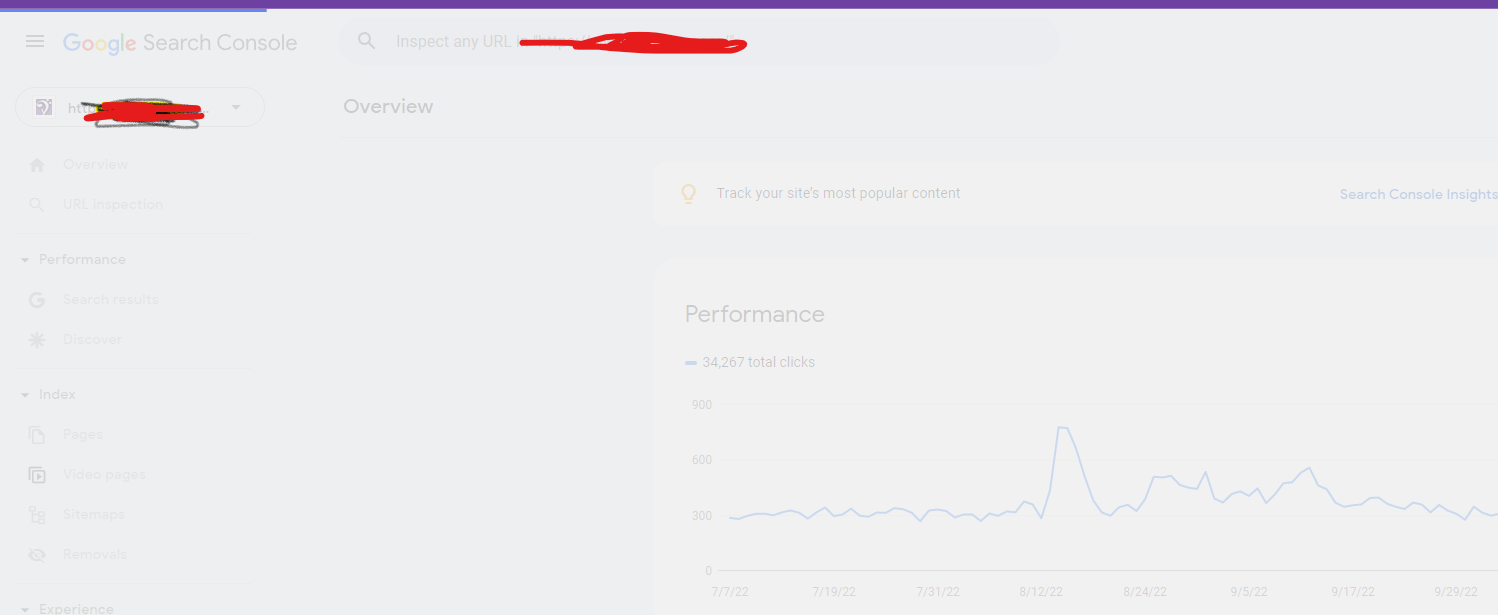
Google search console for my two websites is taking too much time to load. Although I have very good internet connection. When I reload the same page 2nd time then it loads quickly. What is this issue and how to resolve this?
- Can someone help?
-
I also facing this issue, for my https://www.uaeadvise.com/ site, Google Search Index Tool isn't showing for my website. Does anyone know how to fix it? - Thanks in Advance!!
-
I am also facing the issue, for my https://www.darsaal.com/ site, Google Search Index Tool isn't showing for my website. Does anyone know how to fix it?
-
The internal resources are not disallowed.
The other resources are very important. Google Analytics has to work.
The original question is still unanswered. -
While I can't read the language in your screenshots, I can recommend that if those resources are on your own domain, make sure they are not disallowed by the robots.txt file. If they are on external domains, ones which you don't control, then there's really not anything for you to do, and you may as well ignore.






Got a burning SEO question?
Subscribe to Moz Pro to gain full access to Q&A, answer questions, and ask your own.
Explore more categories
-
Chat with the community about the Moz tools.
-
Discuss the SEO process with fellow marketers
-
Discuss industry events, jobs, and news!
-
Chat about tactics outside of SEO
-
Dive into research and trends in the search industry.
-
Support
Connect on product support and feature requests.
-